
Challenge Coin Check app to catalog your challenge coins
Browse real coins from real collectors. Free to try, no subscription — ever.
Show off your coin. Trade coins. Battle in challenges.
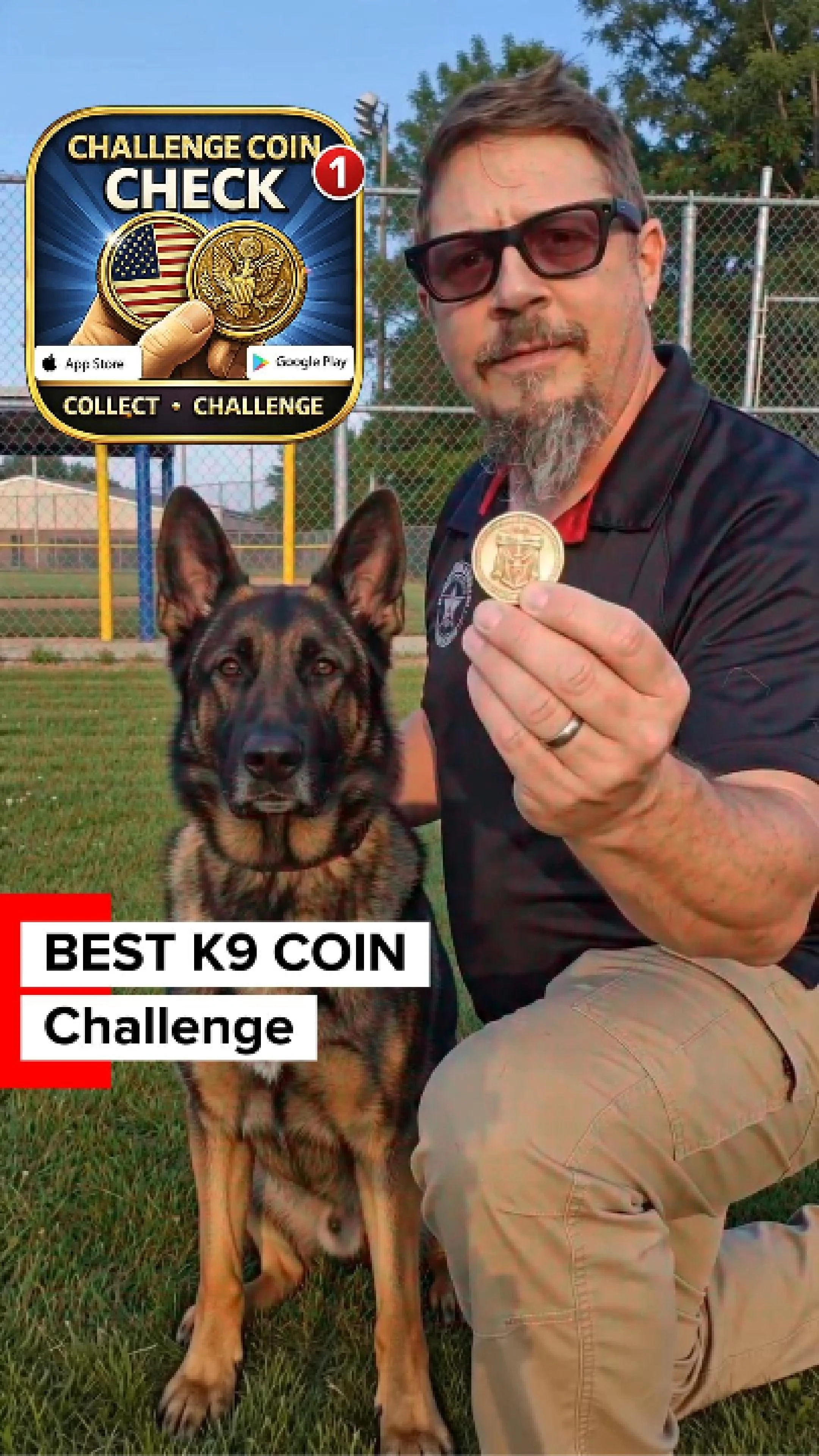
Best K9 COIN Challenge 7/10/26- 7/31/26
You may have the BEST K9 coin in your pocket!
Calling every K9 handler, past and present 🐾 The Best K9 Challenge Coin Challenge is live for 30 days. Upload your K9 coin and the story behind it in the Challenge Coin Check app. Top Dog takes the Founder's Vault, the Top Dog badge, and their partner's story told to the whole community. Is your K9's coin in the database?
Every K9 coin carries two stories — the unit's and the dog's. For the next 30 days, Challenge Coin Check is running the Best K9 Challenge Coin Challenge. If you carry a coin for a working dog — military working dog, police K9, SAR, retired partner, or memorial — upload the coin and tell its story in the app. One upload is all it takes to enter. The community votes Top Dog. The winner gets:
🏆 The Top Dog 2026 badge on their coin
🏆 The Founder's Vault unlocked
($49.99 value)
🏆 Their coin featured in the app
🏆 Their partner's story told
These dogs earned their coins. Make sure the story outlives the shift.
#challengecoin #challengecoincheck #k9 #k9handler #policek9 #militaryworkingdog #k9unit #veteran #lawenforcement
Catalog your coins.
Tell their stories.
Join the community.
Challenge coins carry deep emotional connections — but the stories behind them are what make them matter. Challenge Coin Check is a digital display of everything in your pocket: catalog your collection, tell the story of how you got each one, and connect with coin carriers everywhere.

Everything you need to organize your pocket.
No more loose coins rattling around. No more forgetting where you got what. Just a clean, simple way to keep track of what matters.
Catalog What's In Your Pocket
Everything you need to organize your challenge coin collection in one place. Photograph every coin, display them on your profile, and keep track of what you've earned.
- Photograph front and back of every coin
- Tag by unit, branch, agency, or event
- Add dates, issuer, and personal notes
- Search your collection in seconds
Every Coin Tells Its Story
Challenge coins have deep emotional connections with the people who carry them — and people love hearing the stories behind them. With every upload, you get to tell viewers how you got it, where you were, and who you were serving with.
- Record who handed you each coin
- Note the date and location
- Add the full back-story in your own words
- Tag organization, unit, and year

A Searchable Challenge Coin Database
Challenge Coin Check is building the world's searchable challenge coin database — one coin, one story at a time. Browse what the community has uploaded, see the top-ranked coins, and add yours to the collection. Every coin you log makes the database stronger.
- Search by unit, agency, year, or keyword
- Explore the Top 10 coins ranked by the community
- Like, comment, and vote on coins you love
- Add your coins and help grow the database

Friendly Coin Challenges
Challenge other users to a friendly digital coin check. Vote on head-to-head matchups, defend your favorites, and watch the community decide which coin wins. It's a coin check, but everyone gets to play.
- Head-to-head coin battles judged by the community
- Respond to challenges from anyone, any time
- Host your own challenges (or buy a branded one)
- Climb the leaderboard with every win

Tap Any Smart Coin®
Got a Smart Coin®? Just tap it to your phone. Instant verification, automatic cataloging, and access to any linked content or stories.
- Tap to instantly verify authenticity
- Access linked content and stories
- No typing, no guessing — just tap
Start free. Upgrade when ready.
Free to sign up, free to interact, free to vote on challenges. Upgrade any time to upload more coins, buy and trade with other users, or unlock the full experience.
Free
- Upload up to 10 coins
- Like, comment, and vote
- Respond to challenges
- Browse the full database
Field Pass
- Upload up to 50 coins
- Buy, sell, and trade coins
- Contact other users directly
- Field Pass badge on profile
- Everything in Free
Collector's Pass
- Unlimited coin uploads
- Unlimited sale & trade listings
- Initiate and host challenges
- Rank on the leaderboard
- Collector's Pass badge
- Everything in Field Pass
Founder's Vault
- Verified user badge
- Founder's Vault badge
- Access to every feature
- Everything in Collector's Pass
One-Time Purchases — Available To Everyone
Free users can grab these any time — no subscription required.